

Desktop app
Native on macOS and Linux. PWA install on Windows.
For readers using
How it works

.01
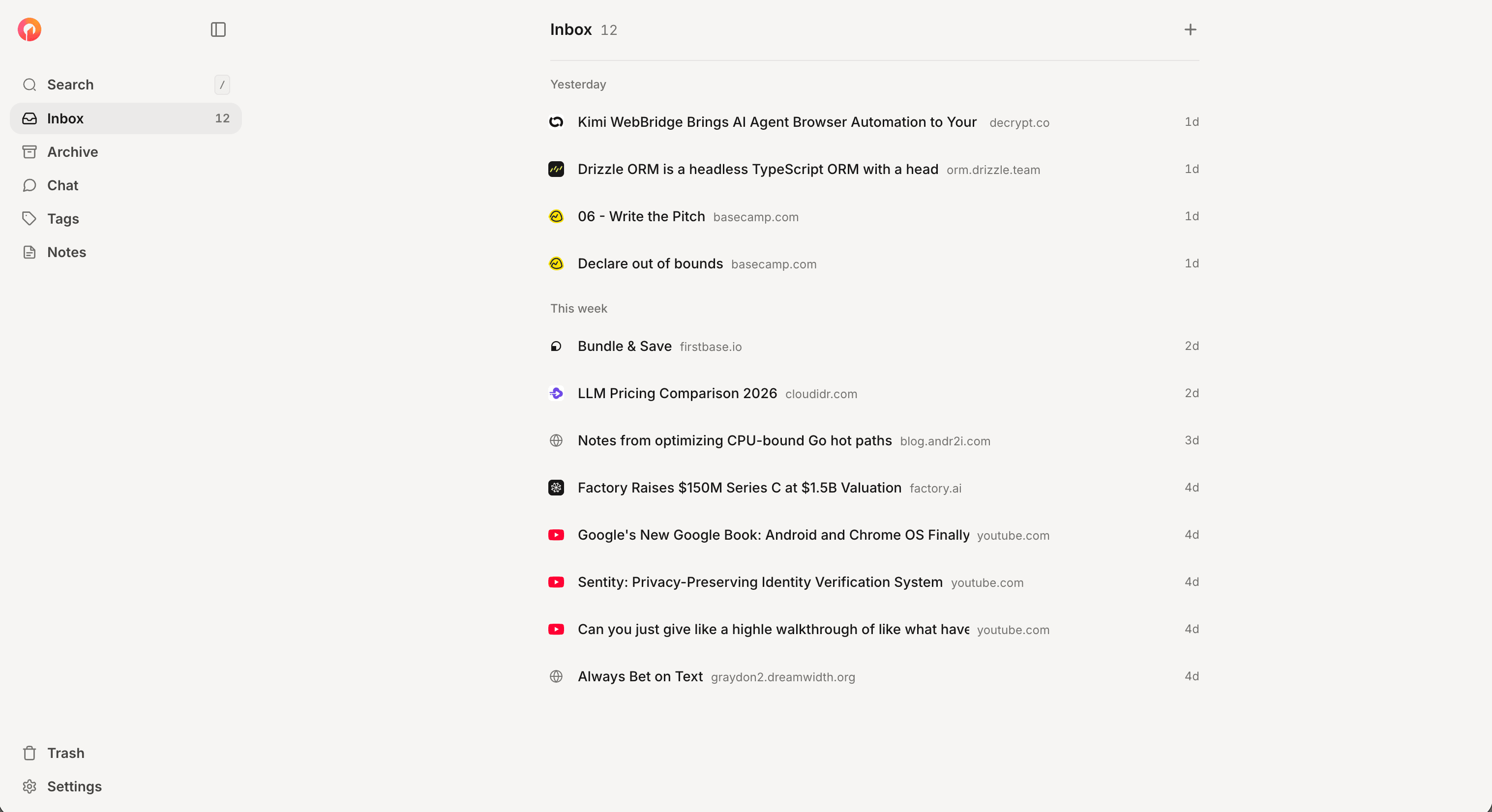
Click the extension on any tab, or paste a URL into the web app.
.02
AI returns one verb-led to-do, a real title, and a short summary.
.03
Send it to Things, Todoist, TickTick, Reminders, or MS To Do. Or check it off in Simple List.
Features
Native on macOS and Linux. PWA install on Windows.

One click captures any tab.
Add to Chrome
One verb-led to-do per save. Six words or less.
Chrome extension or paste a URL in the web app.
Things, Todoist, TickTick, Reminders, MS To Do. Or Simple List.
Articles, Reddit, X, YouTube, PDFs, EPUBs, podcasts.

Streaming text-to-speech in about a second.

Subscribe once. New episodes land as actions hourly.
Pricing
No credit card. Paid plans land after launch.
BETA
Everything Oneaction does. No caps.
No credit card.
Everything you need to know about Oneaction before you sign up.
Save articles, PDFs, newsletters, podcasts, or tweets. Oneaction returns one verb-led to-do you can do today.
An AI reads the full article and returns one verb-led to-do under six words, a real title, and a 1–2 sentence summary. If there's no real takeaway, it says so instead of inventing a fake action.
Read-later apps help you hoard. Oneaction makes you act. Every saved link becomes one to-do you can finish before moving on. No tags, folders, or backlinks to maintain.
Articles, Reddit threads, X/Twitter posts, YouTube videos (via transcript), PDFs, EPUBs, and podcasts from Apple Podcasts, Spotify, or any RSS feed.
Things, Todoist, TickTick, Apple Reminders, and Microsoft To Do. Or use Simple List mode and Oneaction is the todo list.
We store the title, summary, action, and source URL. Not the full article. We do not sell, share, or train AI on your data. Trash auto-purges daily.
Subscribe to a show in one click. We poll hourly and drop one action per new episode in your inbox. The first poll caps at 5 recent episodes so you don't get flooded.
Yes. Articles stream to text-to-speech within about a second. Podcasts get optional transcripts on demand.
Bulk import for Pocket, Instapaper, browser bookmarks, and X/Twitter bookmarks is in progress. For now, paste any URL into the web app or capture it with the Chrome extension.
Free during beta. No credit card. Paid plans land after launch with a generous free tier.
Not yet. The web app works on phones. Native iOS and Android are on the roadmap. Desktop runs natively on macOS and Linux, and as a PWA install on Windows and ChromeOS.